

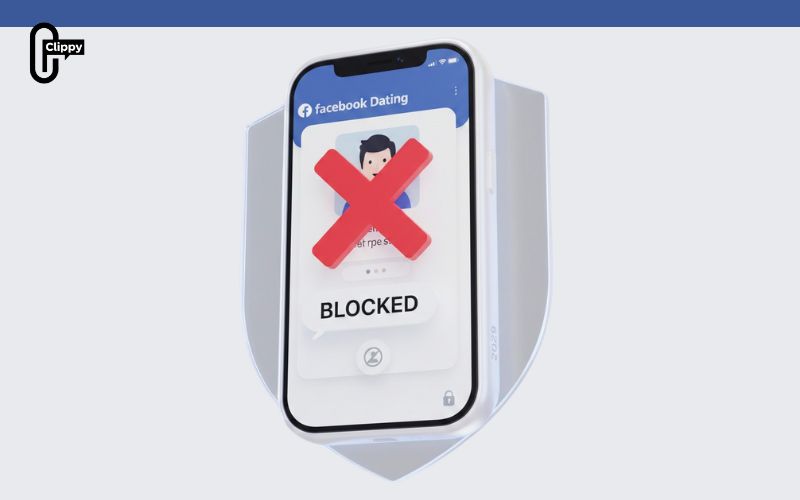
Not sure how to block someone on Facebook Dating without affecting your main Facebook account? Many users want privacy but fear doing it wrong. This guide shows the safest and fastest way. Video Download Free explores this topic further in a detailed news article.
Quick Guide
To block someone on Facebook Dating, go to their profile or conversation, tap the three-dot icon (Options) in the top right corner, select “Block [Name] in Dating,” and confirm. Blocking is permanent, separate from main Facebook, and hidden from the other person.
How to block someone on Facebook Dating
If someone on Facebook Dating makes you uncomfortable or you simply don’t want to interact with them anymore, blocking is a fast and effective solution. Below is a simple guide showing how to block someone on Facebook Dating in just a few taps.
For Android
On Android devices, Facebook Dating allows you to block a user directly from their Dating profile. This prevents them from viewing or interacting with you in the Dating feature.
Step 1: Open the Facebook app on your Android device.
Step 2: Tap the Dating tab to enter Facebook Dating.

Step 3: Open the profile of the person you want to block.
Step 4: Tap the three dots (⋮) in the top corner of their profile.

Step 5: Select Block user in Dating from the menu.
Step 6: Confirm your choice by tapping the Block button.
Once confirmed, the user will be blocked immediately and removed from your Facebook Dating experience.

For iOS
If you’re using an iPhone, the blocking process is just as quick and can be completed in a few taps within the Facebook Dating interface.
Step 1: Open the Facebook app and go to Dating.
Step 2: Open the profile of the person you want to block.

Step 3: Tap the three dots (⋯) icon on their profile.
Step 4: Choose the Block option.
Step 5: Tap Block again to confirm.

What Happens After You Block Someone on Facebook Dating
Once you block someone on Facebook Dating, the change takes effect immediately and helps protect your privacy and experience on the platform. Below is what you can expect after blocking a user:
- Profile Visibility: The blocked person will no longer be able to see your Dating profile, and you won’t see theirs again in suggestions or matches.
- Messaging Stops Instantly: Any ongoing conversations in Facebook Dating will end immediately, and no new messages can be sent between you.
- No Notifications Sent: Facebook Dating does not notify the other person that they’ve been blocked, keeping the action discreet.
- Matches Are Removed: If you were previously matched, that match will be permanently removed from both sides.
- Facebook Account Unaffected: Blocking someone in Dating does not block them on your main Facebook profile or Messenger unless you do so separately.
- Reversible Action: Blocking isn’t always permanent, you can unblock someone later through your Dating settings if needed.
Block vs Report on Facebook Dating: What’s the Difference?
When dealing with unwanted interactions on Facebook Dating, you have two main options: Block or Report. While both help protect your experience, they serve different purposes. The comparison below explains when to use each option and what happens after you choose one.
| Feature | Block | Report |
| Main purpose | Stop personal interaction with a specific user | Flag inappropriate or rule-breaking behavior |
| Effect on visibility | You and the user can no longer see each other | The profile may remain visible until reviewed |
| Messaging | Messages stop immediately | Messages may remain visible for review |
| Notification | The user is not notified | The user is not notified |
| Impact on Facebook account | Only affects Facebook Dating | May impact the user’s Dating or Facebook account |
| Review by Facebook | No manual review required | Reviewed by Facebook’s moderation team |
| Best used when | You want privacy or no further contact | The profile violates rules or feels unsafe |
| Can be combined | Yes, you can block only | Yes, you can report and block together |
Important Notes About Blocking on Facebook Dating
Before blocking someone on Facebook Dating, it’s helpful to understand how the feature works and what changes after you block a profile. The points below explain what to expect so you can take action with confidence.
- Will They Be Notified: The person you block will not receive any notification. Facebook Dating keeps blocking actions completely private.
- Facebook & Messenger Are Separate: Blocking someone on Facebook Dating does not block them on Facebook or Messenger. You must block them separately if needed.
- Existing Facebook Blocks Apply: Anyone you’ve already blocked on your main Facebook account is automatically blocked on Facebook Dating as well.
- Report While Blocking: If a profile violates rules or feels inappropriate, you can report the user at the same time you block them for further review.
- Undoing a Block: If you block someone by mistake, you’ll need to visit your Facebook Dating settings to find and unblock them manually.
Understanding how to block someone on Facebook Dating gives you power over your Dating experience. Whether it’s spam or discomfort, blocking works immediately. The steps are simple when done right. Use them whenever needed.

