

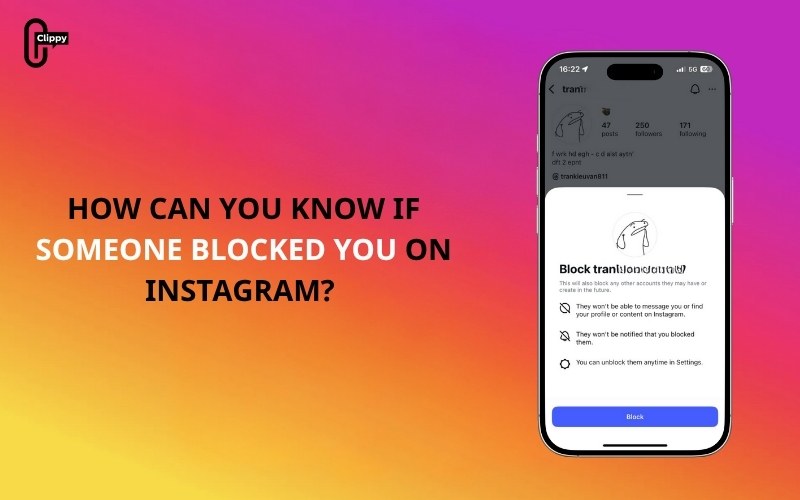
Wondering how can you know if someone blocked you on Instagram can be frustrating, especially because the platform doesn’t send any alert when it happens. Instagram’s privacy system is designed to keep blocking discreetly, so users must rely on specific behavioral signs and platform changes to understand what’s happening.
Whether someone disappeared from your following list, their posts no longer show up, or you suddenly cannot find their profile, this guide of Free Video Download Free explains every possible scenario in detail. Below is a complete, up-to-date breakdown of all the signs, the steps to confirm it, and how to differentiate blocking from account deactivation or deletion.
Key Takeaways
- Instagram does not notify you when someone blocks you, so you must rely on behavioral signs and profile changes to identify it.
- The strongest indicators include not finding their profile in search, an empty profile showing “No Posts Yet”, a Follow button that does not work, and disappearing comments or likes.
- To confirm the block, use another Instagram account, open their profile link in incognito mode, or check how their profile behaves across different devices.
- A blocked account affects only you: other users can still see the profile normally, which helps distinguish blocking from account deletion.
- If the profile disappears for everyone, the user may have deactivated or deleted their account instead of blocking you.
- When checking How Can You Know If Someone Blocked You on Instagram, compare your findings with clear differences between blocking and deactivation to avoid misinterpretation.
- If you are blocked, the best response is to respect their privacy and avoid trying to contact them through other accounts.
What Happens When Someone Blocks You on Instagram?
Before exploring how can you know if someone blocked you on Instagram, you need to understand what blocking actually does. When an account blocks you:
- Their profile becomes hidden from your view
- You cannot search or access their username
- You cannot follow or re-follow them
- Their comments, likes, and tags may disappear from your posts
- You cannot send them messages through Direct Messages
- Their posts, Reels, and Stories become completely invisible
These restrictions are applied only to the blocked account, meaning other users can still interact normally with that profile.
>>> See more: How to hide following list on Instagram Step by Step
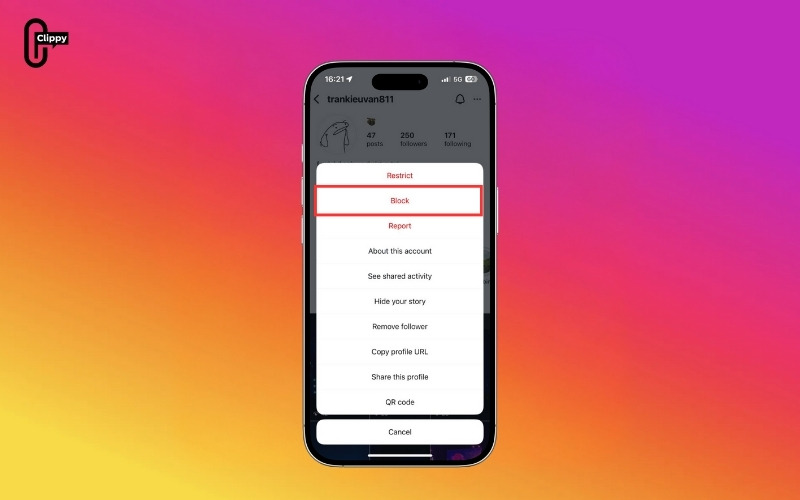
Signs That Suggest You Have Been Blocked
One of the core steps in learning how can you know if someone blocked you on Instagram is recognizing the early signs. Instagram does not show a warning, so these platform behaviors are the first clues you’ll notice.
You cannot Find Their Profile Through Search
A major red flag is when the profile simply disappears from your search results. If you type their full username and Instagram returns no matching accounts, there are only a few possible explanations:
- The person blocked your account
- They changed their username
- They temporarily deactivated or permanently deleted their account
The key distinction is exclusivity. If your account cannot locate the profile but other accounts can, this strongly suggests you are blocked. Search visibility is one of the clearest and most immediate signs.
Their Profile Appears but Displays “No Posts Yet”
Sometimes the profile may still appear through old mentions, tagged posts, or direct URL links. However, once you open it, the profile looks empty or incomplete:
- No posts or Reels
- A blank grid
- Missing follower and following numbers
- No content visible, even if you know they used to post frequently
This typically means the person’s account is still active but hidden specifically from you. Instagram’s blocking system intentionally removes all content visibility while keeping the skeleton of the profile intact.

You cannot Follow Them Again
If you previously followed the person and they blocked you, Instagram will automatically remove you from their followers list. When you attempt to follow them again, you may notice unusual behavior:
- The Follow button switches back to “Follow” instantly
- The tap registers briefly but does not save
- You never see “Requested” or “Following”
This is Instagram silently denying the request. The action fails only for accounts that have been blocked, making this one of the strongest indicators.
>>> See more: Can You See Who Saved Your Instagram Post?
Their Comments, Likes, and Tags Disappear
Blocking affects not only profile visibility but also previous interactions. When someone blocks you, Instagram hides all of their past activities from your account:
- Comments they left on your posts disappear
- Likes from their account are removed
- Tagged photos no longer link to their profile
- Mentions remain but cannot be tapped or opened
These changes apply only to the blocked user’s view. Other people will still be able to see those interactions, which helps you confirm whether it is a block and not an account removal.

Ways to Confirm If Someone Has Blocked You
Because some signs overlap with deactivation or username changes, it is important to verify using multiple methods. The steps below help you distinguish between a true block and other account issues.
Check Using Another Instagram Account
Using a second account is one of the most reliable ways to confirm a block. You can check the profile through:
- A secondary Instagram account you own
- A friend’s account
- A new or temporary account created for verification
If the profile appears normally on another account with posts, Reels, and follower counts visible, then your main account has been blocked. If the profile does not appear on any account, the issue is likely deactivation or deletion.
Open Their Profile Link in a Browser or Incognito Mode
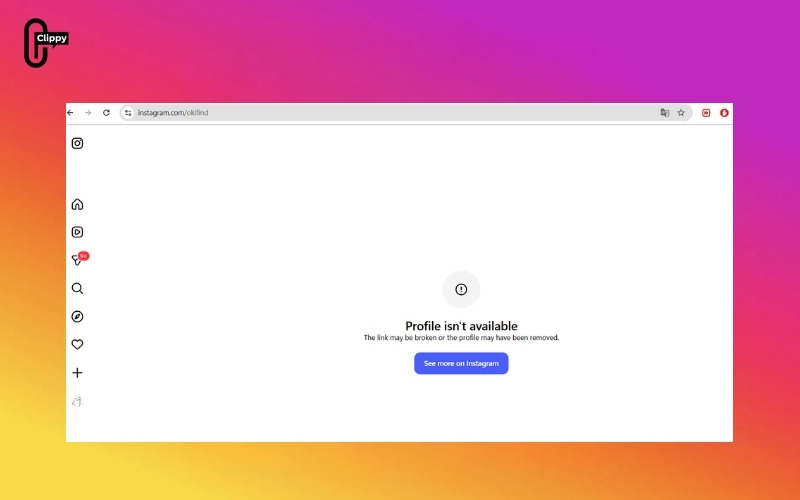
If you know the username, type the direct URL: https://www.instagram.com/username/
Evaluate what you see:
- If the profile loads in incognito mode or while logged out, but does not load when you are logged in, this indicates a block.
- If the profile does not load in any context, it is more likely that the account has been deactivated or deleted.
This method is especially helpful when username changes create confusion.
Check Your Direct Messages
If you have messaged the person before, your DM thread can reveal useful clues. After a block, Instagram often alters the appearance of the chat:
- The username becomes “Instagram User”
- Their profile picture disappears
- You can read old messages, but cannot open their profile
- Shared posts or links inside the chat show as “Unavailable”
These changes also occur when an account is deleted, but when combined with other signs, they can point toward a block.
Review Past Mentions or Tags
Look through posts where the person such as commented, liked your content, tagged you, and mentioned you in captions or stories. If other users can still see these interactions, but you cannot tap or open their profile from them, it is a strong confirmation that the account has blocked you. Instagram removes all profile access routes for blocked users, even from older posts.
>>> See more: Can People See Who You Follow on Instagram?
Other Reasons You Might Not Find Someone on Instagram
Not being able to see someone’s profile does not always mean they blocked you. Instagram behaviors can sometimes be misleading.
- They Deactivated Their Account: A temporarily deactivated account disappears from search and removes all content from public view for everyone—not just you.
- They Deleted Their Account Permanently: A deleted account leaves no profile, posts, or interactions behind. This mimics blocking but affects all users equally.
- They Changed Their Username: If someone frequently updates their username, their old one becomes unsearchable. You may find the new username through tags, mutual comments, or direct messages.
Distinguish Between Block and Deactivation
Many users mistake a block for account deletion. While the symptoms are similar, there are clear differences. The table below helps you understand the exact situation more accurately.
| Criteria | When You Are Blocked | When the Account Is Deactivated/Deleted |
| Search Results | Only you cannot find the profile. | No one can find the profile. |
| Profile Link (URL) | Works when logged out, but fails when logged in. | Unavailable for everyone. |
| Past Messages | Shows “Instagram User” only for your account. | Shows “Instagram User” for all users. |
| Comments and Tags | Old interactions disappear only for you. | Interactions may remain, but do not link anywhere. |
| Follow Button | The follow button does not function. | No follow button exists at all. |
| Viewable from Another Account | Yes, the account appears. | No, the account does not appear for anyone. |
This comparison helps identify whether you are blocked or the account is simply gone.
What to Do If You Confirm You Are Blocked
If you have checked multiple methods and the evidence points to a block, the next step is handling the situation respectfully. Here is the correct approach:
- Respect their boundaries and privacy
- Avoid trying to contact them through another account
- Do not repeatedly search or attempt workarounds
- Acknowledge that blocking is a personal decision and not necessarily a conflict
- Focus on maintaining healthy digital habits
Blocking is often used as a boundary or a reset, not an attack. Understanding this helps avoid unnecessary stress or misinterpretation.
>>> See more: On Instagram Who Has the Most Followers? Top 30 Updated Latest
Conclusion
To determine how can you know if someone blocked you on Instagram, look for missing profiles, empty grids, disappearing interactions, and non-functioning follow buttons. Confirm with secondary accounts and browser checks, then compare results with the deactivation indicators.
While being blocked can feel personal, it is ultimately a privacy choice. Understanding how Instagram’s system works helps you identify the situation accurately and respond respectfully.

