


How to download live videos from Facebook has become an important need for many users – whether to preserve livestream sales sessions, knowledge-sharing broadcasts, or entertaining shows filled with valuable moments. If you’d like to revisit these videos anytime, this detailed guide from Video Download Free will walk you through multiple reliable tools and step-by-step instructions so you can save them effortlessly.
Why you should download Facebook livestream videos?
Starting February 19, 2025, Facebook officially began enforcing a policy that deletes livestream videos automatically after 30 days. Before removing a livestream, Facebook will send out a notification so users have a chance to save or extend the availability of their videos. However, if you don’t act proactively, all your livestreams – regardless of their engagement or sentimental value—may be permanently deleted after the deadline.
Benefits of downloading livestream videos include:
- Safely storing meaningful and essential content for personal or business purposes.
- Taking full control of your content instead of relying solely on Facebook’s storage policies.
- Preventing unexpected loss of key livestreams and data.
- Enhancing your content strategy, marketing efforts, and communication processes
For content creators, influencers, entrepreneurs, and frequent livestreamers, downloading videos and creating backups is absolutely essential.
>>> See Also: How to download Facebook videos to phone easily and quickly
How to download live videos from Facebook
Today, a variety of apps and websites make it simple to download livestream videos directly onto your Android or iOS device. Below is a comprehensive guide with full instructions for each tool:
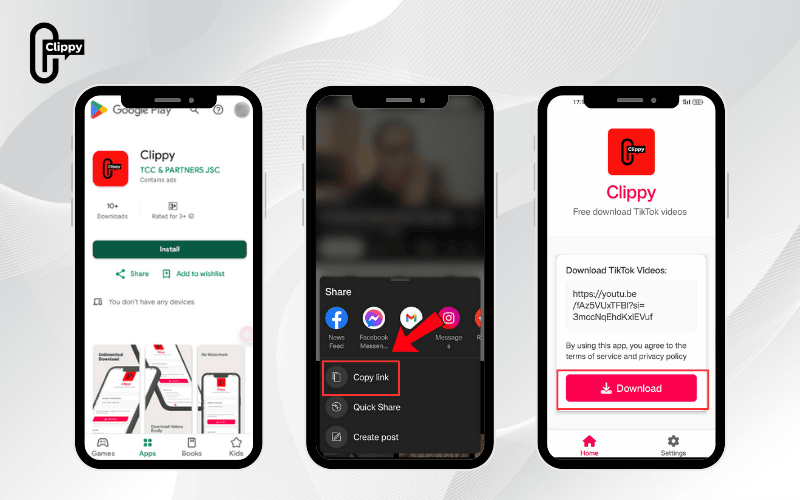
Clippy – Your simple solution for Facebook video downloads
Clippy is a powerful all-in-one app that lets you easily save Facebook videos in HD – completely free and without ads. Unlike most online tools, Clippy works directly on your smartphone (both iOS and Android), giving you a fast, stable, and unlimited download experience. It’s perfect for Reels, regular videos, and especially when you need to know how to download live videos from Facebook.
How to use Clippy:
- Download and install Clippy from Google Play (Android) or the App Store (iOS).
- Open the Facebook app, find the video or livestream you want, tap the three-dot icon or the Share button, then choose Copy Link.
- Launch Clippy, paste the copied link into the input field, and tap Download.
- Select your preferred video quality (up to Full HD), and Clippy will instantly save the video to your phone—no watermarks, no ads.
How to download live videos from Facebook with SnapSave
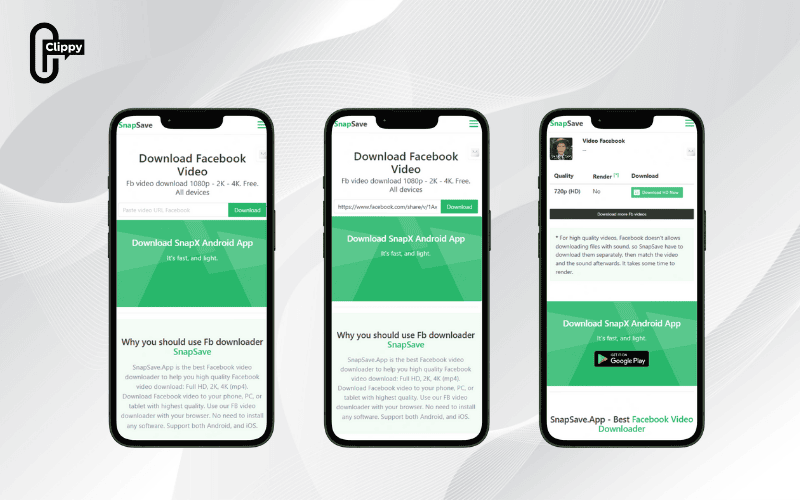
SnapSave is a widely recognized online downloader that makes saving high-quality Facebook videos easy. It works seamlessly on both mobile phones and computers, so you don’t need to install any extra software.
Steps to use SnapSave:
- Launch the Facebook app, open the livestream you wish to download, tap the three-dot icon or Share, then choose Copy link.
- Open a browser on your phone and visit the official SnapSave website.
- Paste the copied link into the box labeled “Paste Facebook video URL,” tap Download, and wait for the video to process. You will see a selection of video resolutions—choose your desired quality and tap Download again to save the video.
>>> See Also: Can’t download video from Facebook? Quick fixes guide latest
How to download live videos from Facebook with FDown
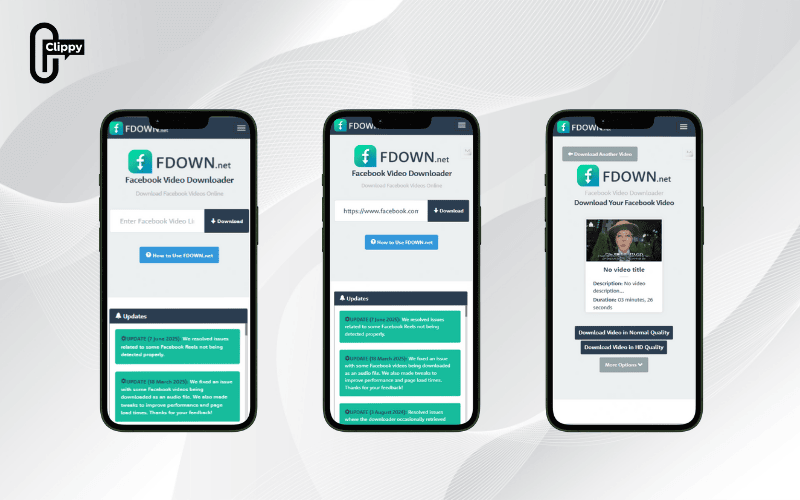
FDown is another popular downloader that allows users to save livestreams in HD quality, up to Full HD 1080p. It also includes a feature to convert videos to MP3 files, making it easy to extract and store audio separately.
How to use FDown:
- Open Facebook, locate the livestream, and copy its link.
- Visit fdown.to in your web browser, paste the link into the homepage input field.
- Click Download, select either SD or HD quality, or switch to MP3 mode for audio-only downloads.
>>> See Also: How to download video Facebook in HD without watermark
How to download live videos from Facebook with SaveFrom
SaveFrom is a reliable, easy-to-use downloader, well known for its fast performance and MP4 video downloads.
Instructions:
- In the Facebook app, open the livestream you want, tap Share, and select Copy link.
- Visit SaveFrom.net in your mobile browser, paste the link into the field, and tap Download.
- After the system processes the link, pick your preferred resolution and tap Download again to save.
How to download livestream video from Facebook with FSave
With FSave, users can download livestreams in their original resolution and quality, making it ideal for content reuse and professional editing without watermark interference.
Steps:
- Copy the livestream link from Facebook.
- Navigate to https://FSave.com.
- Paste the link in the search box, tap Download, and wait for the processing.
- Choose a resolution and download your video with no watermark.
How to download videos from Facebook live with FBDownloader
FBDownloader is designed to be fast, simple, and completely web-based – you won’t need to install anything.
How to use FBDownloader:
- On Facebook, open the livestream, tap Share, then choose Copy link.
- Visit https://FBDownloader.to in your browser.
- Paste the copied link, tap Download, and allow the system to process.
- Select the video resolution and click Download MP4 to save it.
Download Facebook livestreams with X2Download
X2Download is a user-friendly platform that allows you to download Facebook videos in resolutions up to 1080p, and it also supports audio downloads.
Follow these steps:
- Copy the link of the Facebook livestream.
- Visit https://x2download.app/vi/home.
- Paste the link into the field, choose your desired quality or audio format, and click Get Link.
- Once processing is complete, tap Download to save it to your phone or computer.
How to download live videos from Facebook with SO9
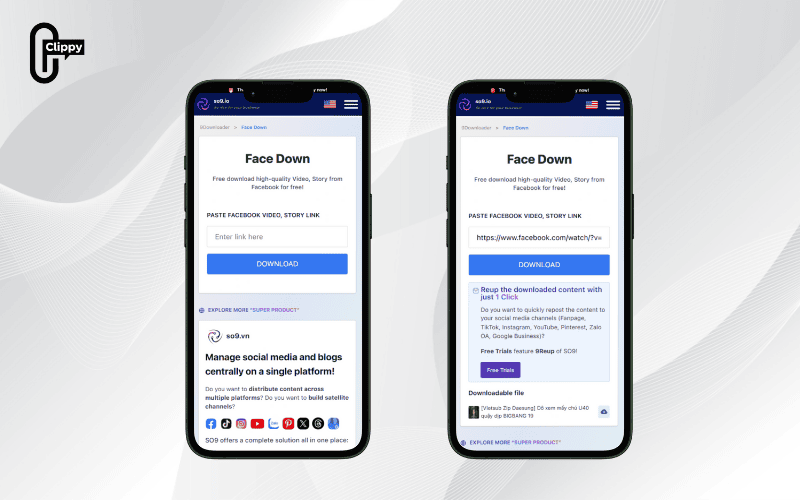
SO9 is a simple yet effective downloader with a no-installation-needed approach.
Steps:
- Copy the livestream link from Facebook.
- Visit so9.vn/9downloader/Facebook.
- Paste the link, tap Download, wait for it to process.
- Choose your preferred resolution and save the video to your device.
>>> See Also: App download Facebook video in 2025: Fast & Easy Solutions
How to download live videos from Facebook with Getfvid
Getfvid is another hassle-free option, requiring no login or account creation.
Steps:
- Open Facebook, find the livestream, tap Share, and select Copy link.
- Go to getfvid.com.
- Paste the link in the search bar, click Download, and choose a resolution.
- Tap Download again to save the video to your device.
How to download live videos from Facebook on a computer
If you prefer saving livestreams on your PC or laptop for editing or viewing on a larger screen, here are two excellent solutions:
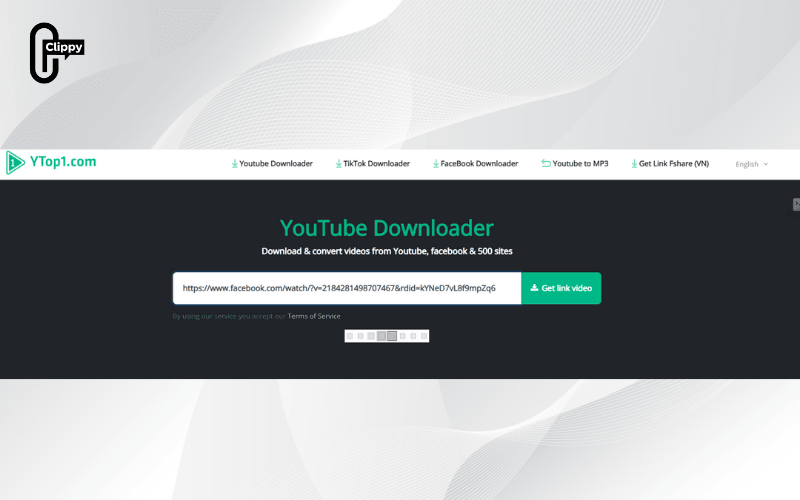
Using YTop1
YTop1 is a versatile online platform offering multiple formats (MP4, WEBM, 3GP) and even audio-only options.
Steps:
- Open Facebook, find the livestream you want, and copy its link.
- Visit the YTop1 website, paste the link, and click Get video link.
- Choose your preferred resolution and file format, then click Download to save it.
Key notes before downloading livestreams video Facebook
To ensure safe and smooth downloads, always remember these important tips:
- Copyright Compliance: Respect intellectual property rights. Some livestreams may not permit downloads or redistribution without explicit permission.
- Stick to Trusted Sites: Only use well-known tools with strong reviews. Avoid any service that requests personal or sensitive information.
- Download After Stream Ends: Downloading a video during a live broadcast may cause errors or incomplete files.
- Keep Your Data Safe: Never share login credentials, banking details, or personal data with downloader websites or apps.
>>> See Also: Download Facebook video MP3 easily with Clippy app
FAQs about downloading Facebook livestreams
Do downloaded livestreams keep their original quality?
This depends on the tool used. Many services let you select resolutions before downloading, but some may only offer lower-quality options.
Can all Facebook livestreams be downloaded?
No. The ability to download depends on privacy and copyright settings applied by the uploader. Videos shared by official pages, brands, or organizations may restrict downloading.
With these 10+ tools and methods, you can now easily learn how to download live videos from Facebook in high quality for personal archives, editing, or content repurposing. Whether you’re on a phone or a computer, simply choose the tool that fits your needs. Be sure to bookmark this comprehensive Video Download Free guide and share it with others so they can also download Facebook livestreams safely, quickly, and conveniently.

