


Instagram has become a platform where people document their daily lives, promote businesses, and share moments they want others to remember. One feature that often raises privacy questions is Story Highlights. Because Highlights stay visible on a profile long after a Story expires, many users hesitate before taking a screenshot, wondering if Instagram notifies when you screenshot a Story Highlight.
If you are asking Does Instagram notify when you screenshot a story highlight, you are not alone. This article of Free Download App Video explains exactly does Instagram notify when you screenshot a story highlight, how Instagram handles screenshots, what has changed over time, and what you should know before saving someone else’s content.
Key Takeaways
- Instagram does not notify users when you screenshot a Story Highlight.
- Screenshotting regular Stories also does not trigger notifications.
- The only time Instagram sends screenshot alerts is for disappearing photos or videos in Direct Messages, including Vanish Mode.
- Public accounts, private accounts, and Close Friends Stories follow the same screenshot rules.
- While screenshots are private, reposting or misusing someone’s content may raise ethical or copyright concerns.
What is an Instagram Story Highlight?
An Instagram Story Highlight is a curated collection of Stories that a user chooses to keep on their profile permanently. Unlike regular Stories, which disappear automatically after 24 hours, Highlights remain visible until the account owner deletes them. They appear directly below the bio section and can be viewed by anyone who has access to the profile.
Highlights are often used to:
- Save important announcements or updates
- Showcase products or services for businesses
- Organize travel memories, events, or milestones
- Provide quick information such as FAQs, links, or contact details
Because Highlights are intentionally preserved, many users assume they are more trackable, which naturally leads to the question: Does Instagram notify when you screenshot a story highlight?
>>> See more: Can You See Who Saved Your Instagram Post?
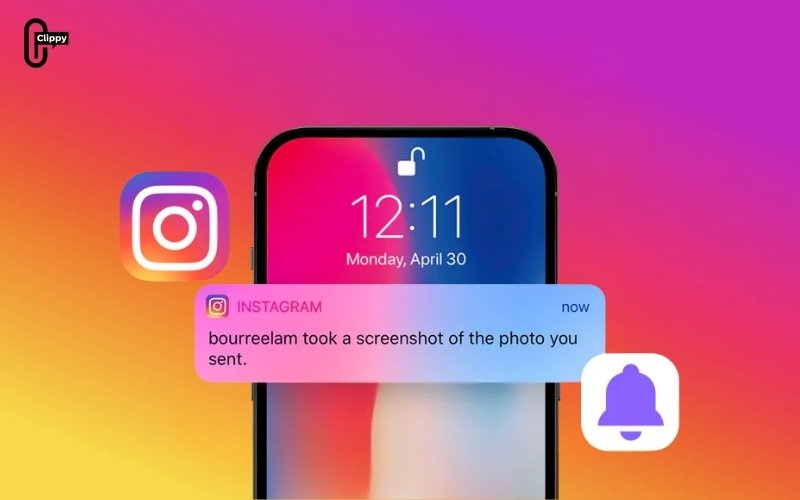
Does Instagram Notify When You Screenshot a Story Highlight?
No, Instagram does not notify users when you screenshot a Story Highlight. If you take a screenshot of someone’s Highlight:
- The account owner does not receive any alert
- There is no notification, message, or warning
- Instagram does not show screenshot activity anywhere in the app
This applies to both public and private accounts, as long as you are allowed to view the Highlight. Instagram treats Story Highlights the same way it treats regular Stories and posts in terms of screenshots.
As of 2025, there is no official Instagram feature that allows users to detect or track screenshots of Highlights.
Does Instagram Notify When You Screenshot a Regular Story?
Many people believe that regular Instagram Stories may be treated differently from Highlights because they disappear after 24 hours. However, Instagram applies the same screenshot rules to both formats.
Instagram does not notify users when you take a screenshot of a regular Story. This applies:
- Stories from public accounts
- Stories from private accounts you follow
- Stories shared with Close Friends
Although Instagram briefly experimented with screenshot notifications for Stories in the past, that feature was discontinued and has not been reintroduced. At present, there is no active system that alerts users when someone screenshots their Story.
For users, this means screenshots of both regular Stories and Highlights remain private actions. Whether the question is does Instagram notify when you screenshot a story highlight or a regular Story, the outcome is the same: no notification is sent.
>>> See more: Can People See Who You Follow on Instagram?
When Does Instagram Send Screenshot Notifications?
While Instagram does not notify users when they screenshot Stories or Story Highlights, there are specific situations in which screenshot notifications are triggered. Understanding these exceptions helps prevent confusion, especially when interacting with private messages.
Screenshotting Disappearing Photos or Videos in DMs
Instagram sends a notification when you screenshot disappearing photos or videos shared through Direct Messages. This applies to content that is designed to be viewed temporarily and then removed.
Disappearing media include:
- Photos or videos sent with “View Once.”
- Content shared using Vanish Mode
These messages are designed to be temporary, and Instagram notifies the sender if the recipient takes a screenshot. This notification exists to reinforce privacy and transparency in private conversations. If you screenshot this type of content, the sender will be notified.
Screenshotting Regular DMs
The Regular Direct Messages function differs and does not trigger screenshot notifications.
Instagram does not notify users when you screenshot:
- Standard text messages
- Images or videos are sent normally
- Ongoing message threads that do not use disappearing media
The key distinction is whether the message is temporary. Only disappearing photos or videos and messages sent in Vanish Mode generate screenshot alerts. Standard DM content can be screenshotted without notifying the other person.
How to Protect Your Own Instagram Stories and Highlights
Understanding how screenshots work on Instagram is just as important for people who post content as it is for those who view it. If you regularly share Stories or maintain Highlights, knowing how to manage visibility can help protect your privacy and reduce the risk of unwanted saving or redistribution.
Although Instagram does not provide a way to block screenshots completely, it does offer tools that allow you to control who can view your Stories and Highlights. Limiting visibility is currently the most effective way to protect your content.
You can reduce exposure by:
- Hiding Stories from specific followers using Story settings
- Sharing sensitive content only with Close Friends
- Keeping your account private and managing followers carefully
- Avoiding posting personal or confidential information in Highlights
Because Highlights are meant to be permanent, they should be treated as semi-public content, even on private accounts. Taking a cautious approach helps ensure that anything you choose to save as a Highlight aligns with your comfort level for long-term visibility.
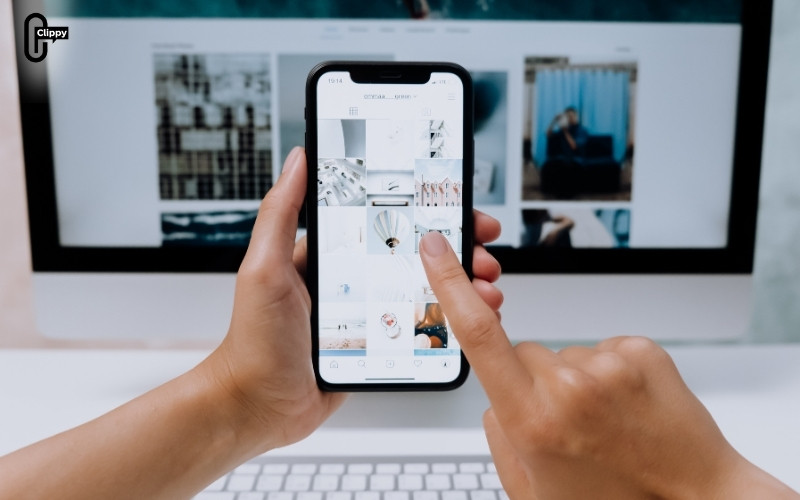
Does Screenshotting Instagram Highlights Violate Any Rules?
It is common for users to question whether taking screenshots on Instagram is allowed under the platform’s rules or terms of service. This concern is especially relevant for Story Highlights, which are intentionally saved and displayed on user profiles.
Taking a screenshot of an Instagram Story Highlight does not violate Instagram’s rules on its own. Instagram does not restrict users from capturing on-screen content for personal use. However, problems can arise based on how that screenshot is later used.
However, issues may arise depending on how the screenshot is used. Problems can occur if:
- The content is reposted without permission
- Copyrighted material is reused for commercial purposes
- Personal or sensitive content is shared without consent
For personal reference, inspiration, or private viewing, screenshotting Story Highlights is generally acceptable. Concerns typically arise only when saved content is redistributed or misused beyond its original context.
>>> See more: How to Set Nicknames on Instagram Chat: The Ultimate Guide
How Instagram Handles Screenshot Notifications
To clearly understand does Instagram notify when you screenshot a story highlight, it helps to separate everyday use from rare exceptions. In most everyday scenarios, taking a screenshot on Instagram remains a private action and does not alert the other user.
Instagram does not send notifications when you screenshot:
- Story Highlights
- Regular Stories
- Posts or profile pages
- Regular Direct Message conversations
Instagram does send notifications when you screenshot:
- Disappearing photos or videos in Direct Messages
- Content shared using Vanish Mode
Understanding these rules allows users to interact with Instagram more confidently, without worrying about triggering unexpected alerts or violating platform norms.
Conclusion
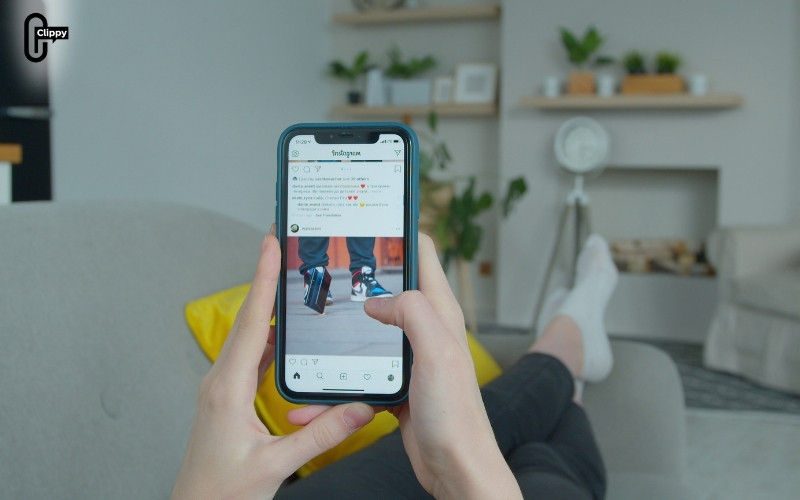
Instagram does not notify users when you screenshot a Story Highlight, and this remains true in 2025. If your main concern is does Instagram notify when you screenshot a story highlight, the answer is no. Highlights, regular Stories, posts, and profiles can all be screenshotted without triggering alerts. The only time Instagram sends screenshot notifications is when you capture disappearing photos or videos in Direct Messages.
While screenshots are private, users should still be mindful of content ownership and privacy. Treat Highlights as long-term, shareable content, and use discretion when saving or sharing someone else’s posts.
If your concern is whether taking a screenshot of a Story Highlight will notify the owner, you can rest assured that it will not under Instagram’s current system.
Frequently Asked Questions
Can people see if you screenshot their Instagram Highlight?
No. Instagram does not provide any feature that allows users to see who screenshotted their Highlights. Screenshot activity is not visible to content creators.
Does Instagram notify Close Friends if you screenshot their Highlight?
No. Close Friends Stories and Highlights follow the same rules as regular Stories. Screenshots do not trigger notifications.
Can private accounts detect screenshots of Highlights?
No. Even private accounts cannot detect when followers screenshot their Highlights.
Has Instagram ever notified screenshots of Stories?
Instagram briefly tested screenshot notifications for Stories in the past, but the feature was removed and is no longer active.
>>> See more: How Can You Know If Someone Blocked You on Instagram?

