

Ever wondered how to know if someone is live on Facebook without opening Messenger or refreshing your feed nonstop? Facebook offers subtle indicators that many users overlook. Together with Video Download Free, we’ll walk you through simple methods to detect live streams fast. Discover all the details in this News guide.
Quick Guide
To know if someone is live on Facebook, look for a green dot or “Live” badge on their profile picture or in your feed, check the dedicated “Video” section for live broadcasts, or set up notifications to alert you when specific friends or Pages go live. You can also see if they are active in Messenger via a green dot next to their name, indicating they’re online and potentially on Facebook too.
How to know if someone is live on Facebook
Quick Checks in Your Feed/Messenger
If you want to know whether someone is currently active or broadcasting live on Facebook, there are a few quick visual cues you can rely on – no need to open their profile or send a message. Facebook and Messenger surface real-time activity signals directly in your feed and contact lists, making it easy to spot what’s happening at a glance.
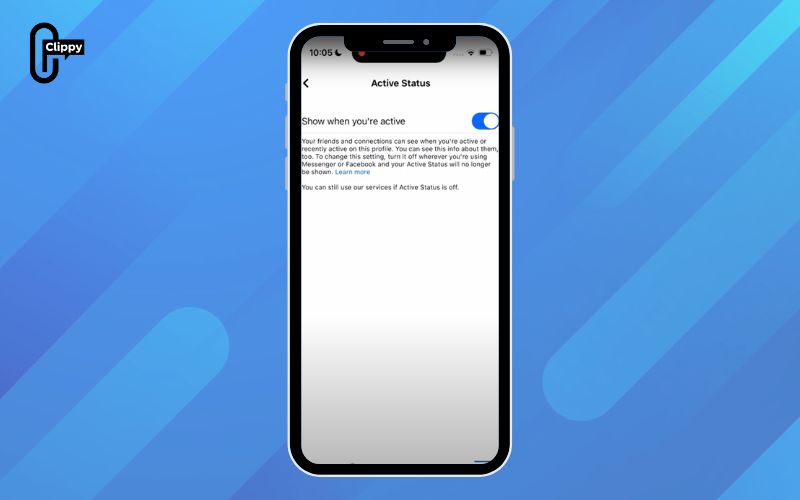
Green Dot / “Active now” Timestamp
In Messenger or the Facebook contacts panel, a small green dot next to a person’s profile picture indicates they are currently online. Sometimes this appears as a timestamp such as “Active now” or “Active 5 minutes ago,” which shows recent activity rather than live presence. This indicator updates automatically and is one of the most reliable ways to check availability. Keep in mind that it only appears if both you and the other person have Active Status turned on.
Live Badge
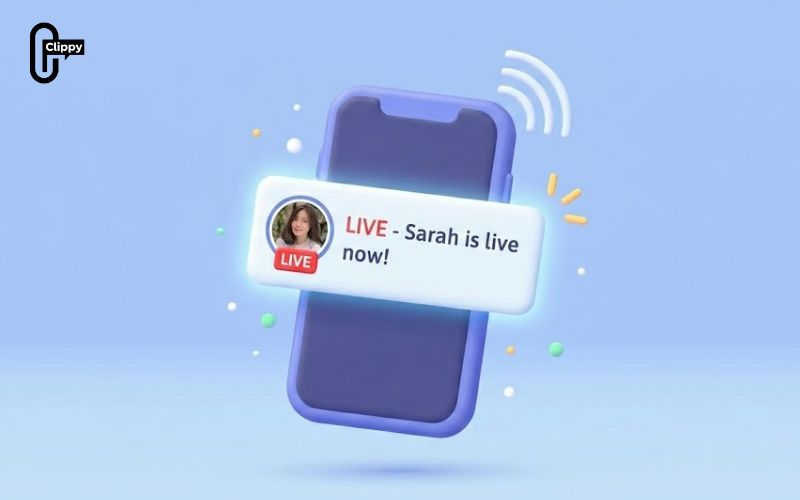
When someone starts a Facebook Live broadcast, you may see a red “LIVE” badge over their profile photo in your News Feed, Stories tray, or the Watch/Video section. This badge signals that the person is streaming in real time and allows you to join instantly. The Live badge is time-sensitive and disappears as soon as the broadcast ends.
>>> See Also: How to see Facebook live comments during a Live Stream 2026
Dedicated Live Video Section
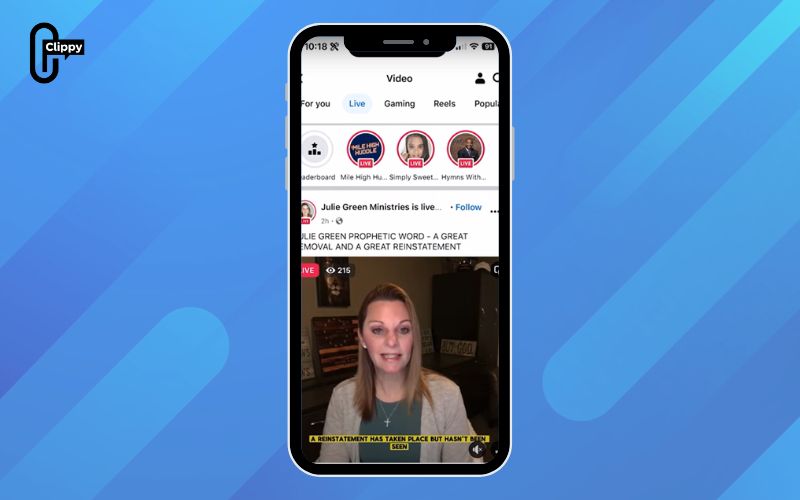
You can also check Facebook’s dedicated Live Video areas to quickly see who is broadcasting right now, without searching individual profiles. These sections are designed to surface real-time streams that are currently active.
- On Mobile: Open the app, tap the Menu icon (three lines/bars), then tap Video, and select the Live tab to see current broadcasts.
- On Desktop: Go to the Facebook homepage, find the “Watch” section, and look for live videos there.
Notifications (For Friends & Pages)
Another reliable way to know when someone goes live on Facebook is by using built-in notifications. This approach is ideal if you regularly follow certain friends, creators, or Pages and don’t want to rely on checking the feed manually. Once enabled, Facebook will alert you in real time whenever a live broadcast starts.
Follow & Turn On Notifications
When you watch a friend’s or creator’s live video, you can tap Follow and then select Notifications. This tells Facebook to notify you the next time they go live. You’ll receive a push notification on your phone or a desktop alert, making it easy to join the stream as soon as it begins.
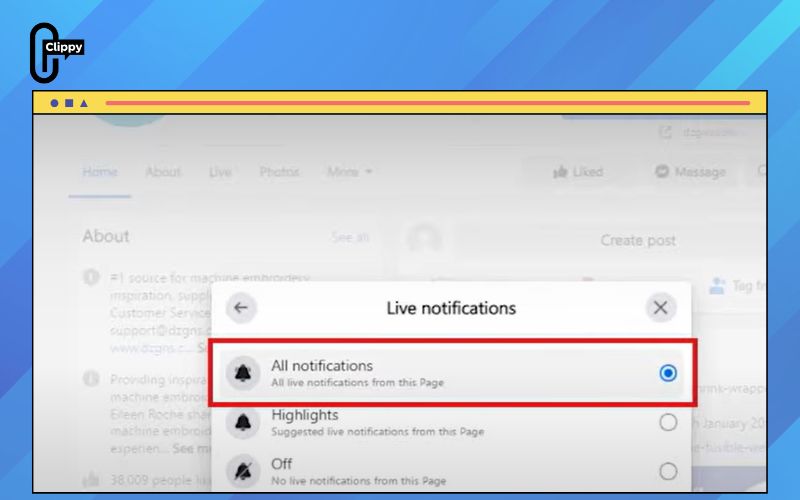
Manage Page Live Notifications
For Facebook Pages, visit the Page profile, tap the three dots, and choose Manage Follow Settings. From there, enable notifications specifically for live videos. This ensures you’re alerted whenever the Page starts a broadcast, even if the live video doesn’t immediately appear in your feed.
Using notifications is one of the most accurate ways to track live activity, especially for creators you don’t want to miss.
Important note when trying to see who viewed your Facebook story
Before checking who has viewed your Facebook Story or trying to see someone’s activity status, it’s important to understand how Facebook’s privacy rules work. These settings directly affect what you can and cannot see, even if you follow each other.
- Mutual visibility is required: Facebook only shows activity or live status when both you and the other person have Active Status enabled. If either side turns it off, the information will be hidden.
- Friends vs. non-friends: Activity status and viewing insights are more limited for people who are not on your friends list. In many cases, you won’t see live or active indicators for non-friends at all.
- Platform differences: What you see may differ between the Facebook app, Messenger, and desktop versions. Some activity indicators appear only on mobile or only inside Messenger.
- Delayed or incomplete data: Viewer lists and activity signals may not update in real time. Network issues, app caching, or Facebook system delays can cause missing or late information.
Knowing how to know if someone is live on Facebook turns you from a passive scroller into an active viewer. Facebook updates live status instantly if you know where to look. Use these methods and never miss a broadcast again. Timing is everything with Live.

