

Downloading videos directly from Instagram to mobile devices often faces restrictions due to the platform’s policies. So, how to download Instagram videos to phone easily? This article from Video Download Free compiles over 10 quick and simple ways to save Instagram videos to your phone.
How to download Instagram videos to phone Using a Tool
Below are 10 simple methods to download Instagram videos to your phone with the help of supporting tools, allowing you to quickly save your favorite videos in the best quality with just a few steps.
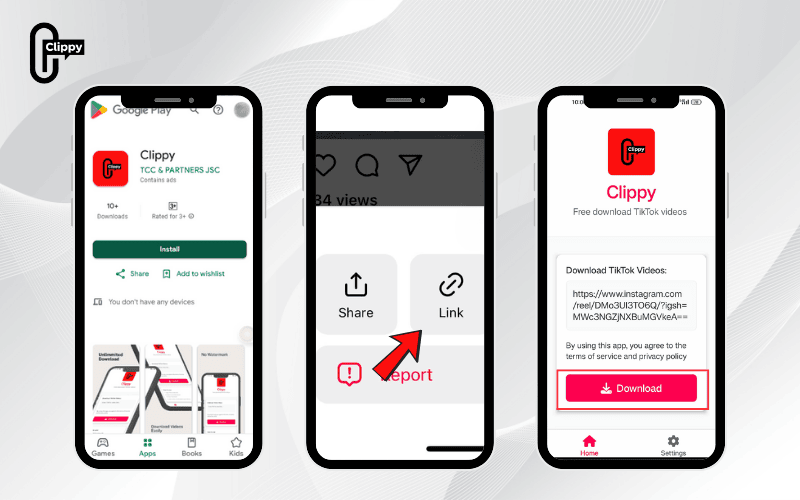
How to download Instagram videos to phone with Clippy
Need to download Instagram videos to your phone quickly and without any watermark? Clippy is the perfect solution. Developed by TCC, this app is available on both Google Play and the App Store. It’s completely free, ad-free, HD quality, and offers a smooth downloading experience.
How to install and use Clippy:
- Step 1: Go to Google Play (Android) or App Store (iOS), search for “Clippy,” and install the app.
- Step 2: On Instagram, copy the link of the video you want to save.
- Step 3: Open Clippy, paste the link, and select your preferred quality.
- Step 4: Your video will be saved directly to your phone – no watermark attached.
How to save Instagram videos to your phone using IG1S
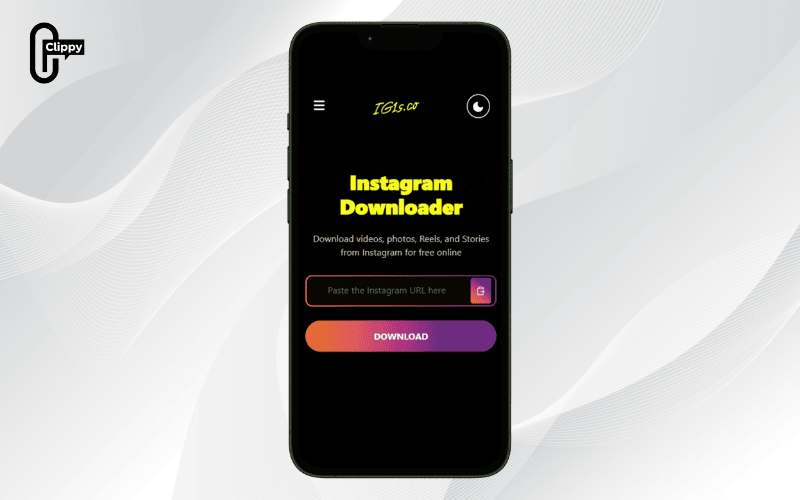
IG1S is an online tool that helps quickly download videos, photos, Reels, and Stories from Instagram to your phone or computer. With a user-friendly interface and easy operation, IG1S lets you preserve your favorite moments in just a few simple steps as follows:
- Step 1: Open the Instagram app and log into your account. Select the post you want to download (video, photo, or Story), then tap the three-dot icon in the top right corner.
- Step 2: In the menu that appears, select “Share” and then tap “Copy Link” to get the post’s URL.
- Step 3: Go to IG1s.com in a browser and paste the copied link into the search box.
- Step 4: Click “Download” to let the system process and display the content, then select the download icon on the right side of the screen. When prompted, choose “Save” to store the video/photo on your device.
>>> See Also: Learn how to download Instagram videos with music quickly
How to download Instagram videos to phone using SnapInsta
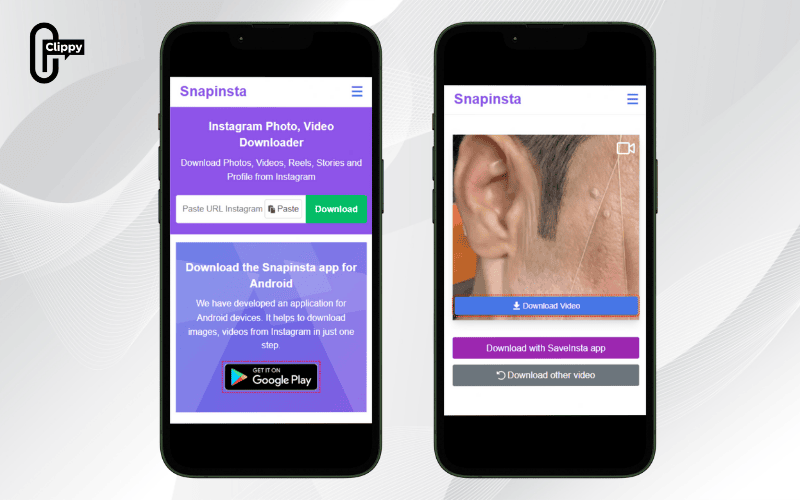
You can easily save Instagram videos to your device with just a few quick steps using SnapInsta as follows:
- Step 1: Open the Instagram app and find the video you want to download. Tap the three-dot icon in the top right corner, then select “Copy Link”.
- Step 2: Go to the SnapInsta website in a browser and paste the copied link into the “Paste video URL” box.
- Step 3: Click “Download” and wait for the system to process. Finally, select “Download Video” to save the Instagram video to your device.
>>> See Also: Instagram can’t save video? Try this easy fix that works
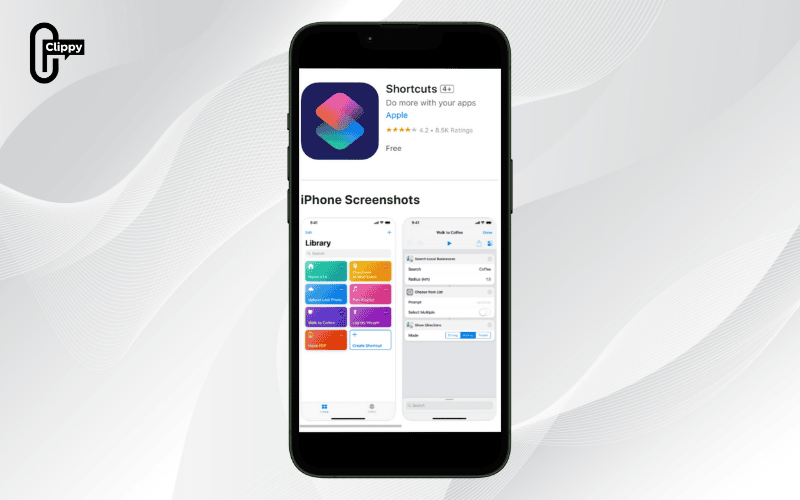
How to download Instagram videos to iPhone using Siri Shortcuts
If you use an iPhone, the InstaSave shortcut from the Siri Shortcuts app is a convenient way to quickly save videos or photos from Instagram to your device. The detailed steps to download Instagram videos using InstaSave are as follows:
- Step 1: Install the Siri Shortcuts app from the App Store and add the InstaSave shortcut to help download Instagram content.
- Step 2: Open Instagram, find the post containing the photo or video you want to download, then tap the three-dot icon at the top right of the post.
- Step 3: Select “Share with” and tap the Shortcuts icon to send the content’s link to the Shortcuts app.
- Step 4: Open the Siri Shortcuts app and select the InstaSave shortcut you added. If this is your first time using it, tap “Run Shortcut” to start.
- Step 5: Wait a few seconds while the shortcut processes the download. Once completed, a notification will confirm the successful download, and the photo or video will be saved directly to the Photos app on your iPhone.
>>> See Also: How can I download Instagram video fast & easily?
How to download Instagram videos to Android using Downloader for Instagram
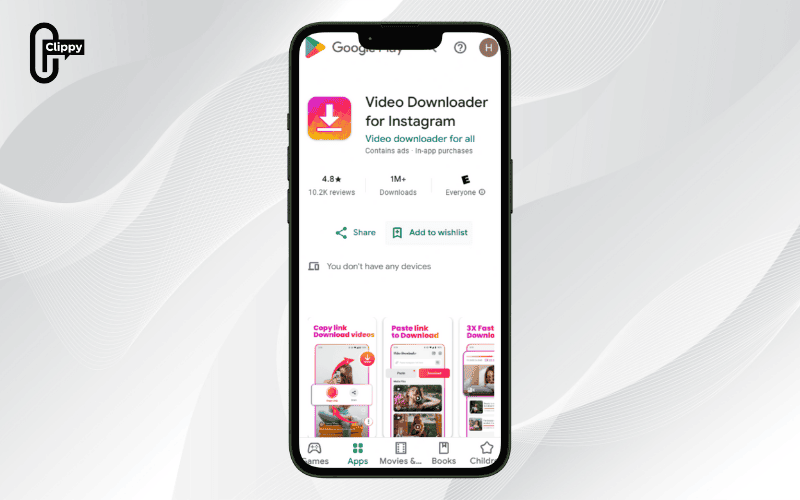
If you use an Android phone, the Downloader for Instagram app helps you quickly and easily save videos. Follow these steps:
- Step 1: Download the Downloader for Instagram app from the Google Play Store and install it on your phone.
- Step 2: Open Instagram, find the video you want to download, tap the three-dot icon in the top right corner, and select Copy Link.
- Step 3: Launch the Downloader for Instagram app, tap the Paste button to automatically insert the copied link, then choose Check URL.
- Step 4: The video will appear; tap Save Video, name the video, choose the storage location, and finally tap Download to save it to your phone.
>>> See Also: How to download a photo from Instagram quickly and easily
How to download Instagram videos to phone using Regrammer
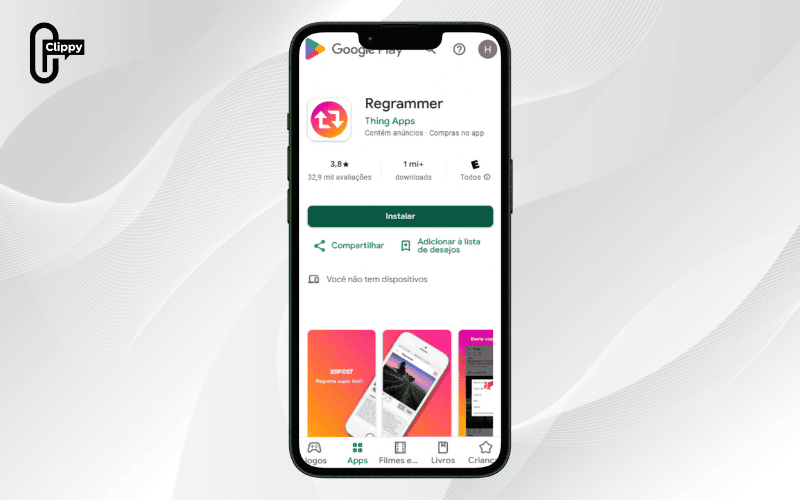
Regrammer is a free app available on Android that lets you quickly and easily download any Instagram video to your phone.
Steps to follow:
- Step 1: Copy the URL of the Instagram video you want to download.
- Step 2: Open the Regrammer app, which you can download from CH Play or use via an APK file.
- Step 3: Paste the copied URL into the input box of the app.
- Step 4: Tap the Preview button to preview the video.
- Step 5: Select Download to save the video, which will be stored directly in your Android Gallery app.
How to download Instagram videos to phone using VidInsta
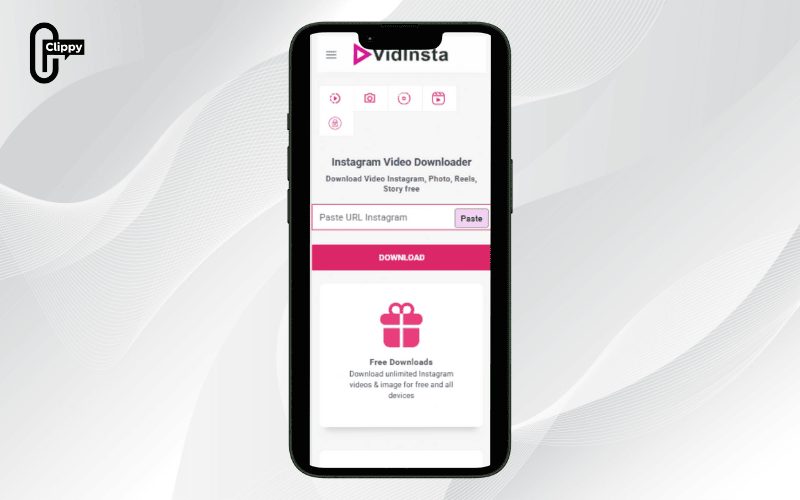
VidInsta is a free online tool that allows you to quickly download videos, Reels, or photos from Instagram to your phone with just a few steps.
Steps:
- Step 1: Open the Instagram app and select the video you want to download. Tap the three-dot icon in the top right corner.
- Step 2: Choose “Share” then tap “Copy Link” to copy the video’s URL.
- Step 3: Go to the VidInsta website in your browser and paste the copied link into the input box.
- Step 4: Click “Download,” then select the green Download button to save the video to your phone.
>>> See Also: How to download audio from Instagram online free in seconds
How to save Instagram videos to Android using Insaver
Insaver is a free app on iOS that allows quick downloading of photos and videos from Instagram to iPhone with a few simple steps:
- Step 1: Go to the App Store, search for and install Insaver.
- Step 2: Open Instagram, select the photo or video you want to download > tap the three-dot icon > choose Copy Link.
- Step 3: Open Insaver, paste the copied link into the input box > tap the download icon > wait for the system to process, then select Download to save to your device.
How to download Instagram videos to phone using SnapDownloader
SnapDownloader helps easily save Instagram videos and stories in high quality, allowing offline viewing at any time.
- Step 1: Copy the URL of the Instagram video or story > paste it into the input box on SnapDownloader.
- Step 2: Choose the desired resolution (e.g., 720p, 1080p) and video format.
- Step 3: Tap Download > select Save to store the file on your computer or phone.
How to download Instagram videos to phone using SaveFrom
SaveFrom.net is a familiar online tool that supports quick downloading of videos, Reels, IGTV, or photos from Instagram with just a few simple steps:
- Step 1: Open Instagram, select the video/photo/Reels/IGTV you want > tap Copy Link.
- Step 2: Visit SaveFrom.net, paste the copied URL into the input box.
- Step 3: Click Download, the system will choose the best quality available. You can also change the format or resolution before downloading.
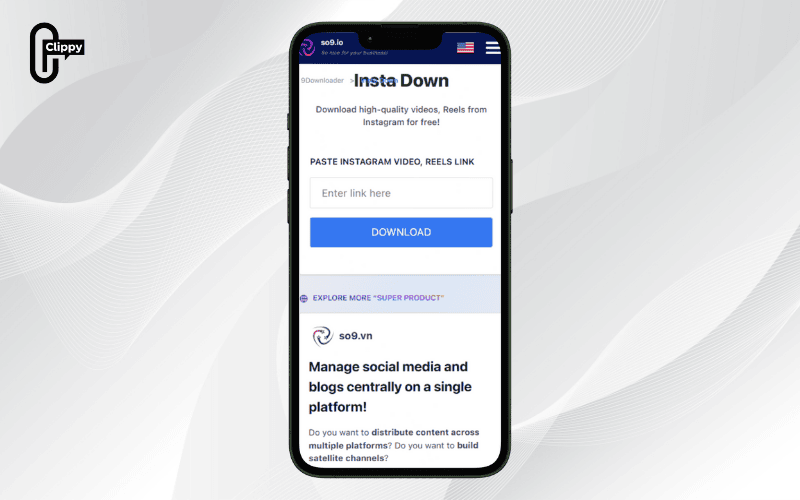
How to download Instagram videos on Android using SO9
SO9 (also known as 9Downloader) is a super convenient online platform that lets you download high-quality videos (Full HD) from multiple social networks like Instagram, Facebook, TikTok, YouTube, Douyin, etc.
- Step 1: Open the post with the video you want to save > tap the three-dot icon > select Copy Link.
- Step 2: Open a browser and go to so9.vn/9downloader, then choose Instagram on the interface.
- Step 3: Paste the link into the input box on the website; the system will automatically process the video format and quality.
- Step 4: Choose the format and quality (Full HD if available) and tap Download to save the video to your device.
Frequently Asked Questions when saving Instagram videos to phone
During the process of downloading Instagram videos, many people often have questions about quality, copyright, or how to download content from private accounts. The section below summarizes and answers common questions to help you better understand and easily save Instagram videos to your device safely and effectively.
Is the quality of Instagram videos downloaded high?
The quality of Instagram videos after downloading depends on the method and tools you use. Choosing reputable websites or apps usually preserves the original resolution that Instagram provides, commonly HD (720p) and sometimes Full HD (1080p) depending on the original video.
Conversely, downloading with low-quality tools or extracting from app cache can cause the video to lose sharpness, become blurry, or lose audio. To ensure the best experience, prioritize reliable tools when downloading videos from Instagram.
Do I need to log in to my Instagram account to download videos?
Usually, users can download Instagram videos without logging in by copying public video links and pasting them into download tools to save quickly.
However, for content from private accounts, logging in is mandatory to access and download videos. Additionally, some Instagram video downloader apps on iPhone and Android require login to ensure stable operation and to allow saving videos directly into the device’s gallery.
Is downloading Instagram videos a copyright violation?
According to legal regulations, downloading Instagram videos for personal storage and viewing is generally not considered copyright infringement. However, if you use videos for commercial purposes, editing, or reposting without the owner’s consent, such acts may violate copyright laws and lead to legal issues.
Therefore, when applying methods to download Instagram videos, respect copyrights, credit sources, or seek permission before public sharing to ensure compliance with regulations.
>>> See Also: Why cant I save videos on Instagram? Problem solved fast
With the tools and apps compiled by Video Download Free, you now know how to download Instagram videos to phone quickly and easily. This helps you save your favorite moments and watch or share them anytime.
Download the Clippy app today for an even faster, ad-free, and watermark-free experience across Instagram and more!

